
Answer security questionnaires once with the Q&A library
Build a library of approved answers to the questions buyers keep asking, each with an owner, a clause reference and a review date — then copy and reuse instead of rewriting.
Step-by-step
- 1
Open Compliance Q&A
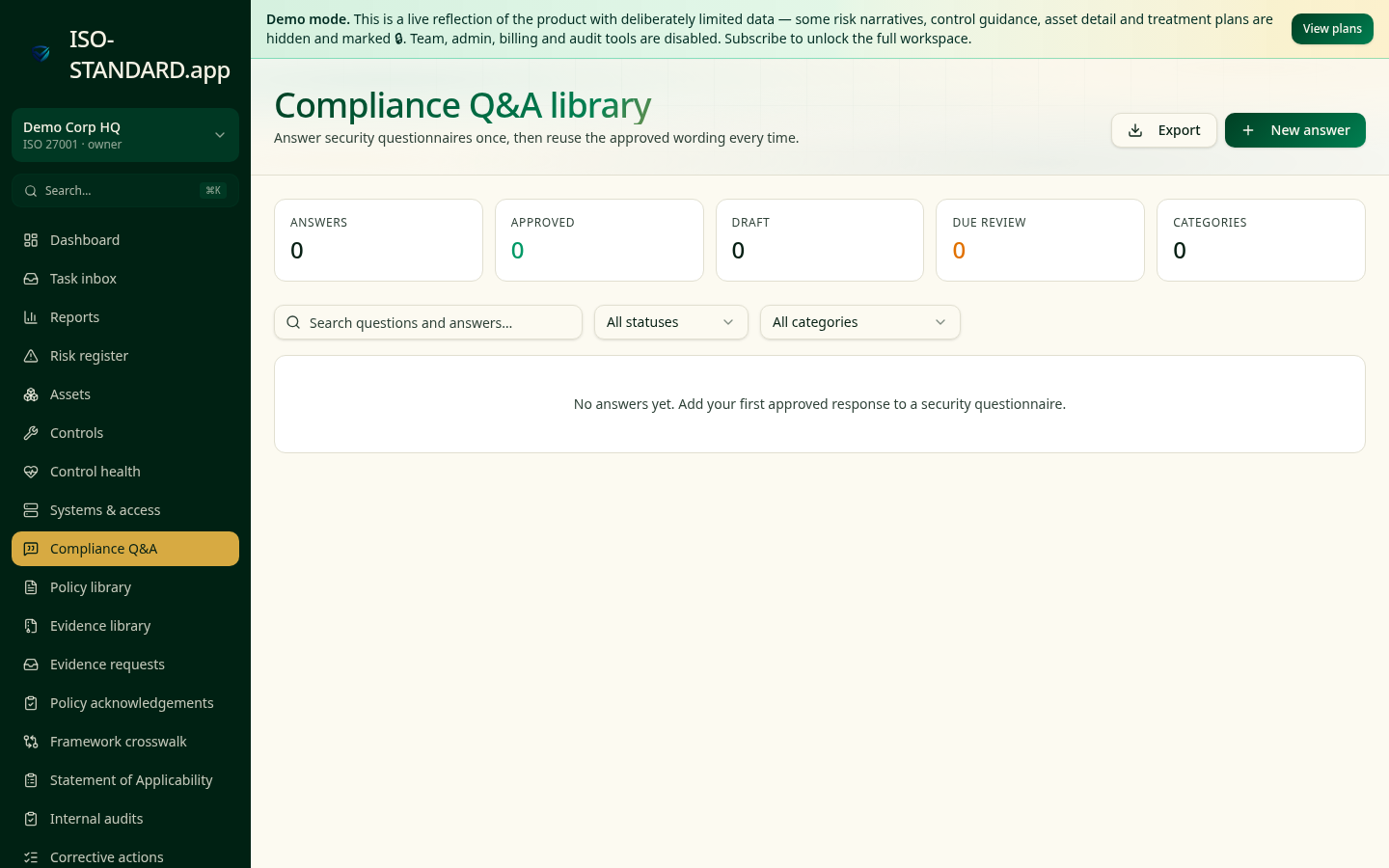
The KPI strip shows how many answers you hold, how many are approved, how many are still draft and how many are due review.
- 2
Add an answer
Click New answer, paste the question as buyers ask it, and write the approved response. Add a category (Security, Privacy, Resilience), the relevant standard and clause, and an owner.
- 3
Approve before use
Answers start as draft. Only approve wording you're willing to stand behind contractually — approval is the control that stops over-claiming.
- 4
Reuse in seconds
Search the library, hit the copy button and paste into the questionnaire, portal or email.
- 5
Keep answers honest
Set a next review date on every answer. Anything past its date shows in the Due review KPI so the library never drifts from reality.
- "Consistent answers across your sales, security and legal teams."
- "Answers that match the evidence you later provide."
- "Fast turnaround on SIG-Lite, CAIQ and bespoke questionnaires."
What this workflow produces: A consistent, reviewed answer set — the fastest way to shorten a security review without over-promising.
FAQ
The person accountable for the underlying control — not the salesperson sending the questionnaire back.
Every six to twelve months, and immediately after any material change to a system, supplier or policy.
Yes — Export produces a CSV with questions, answers, standards, clauses, owners and review dates.
Ready to run this in your workspace?
Start free — the workspace comes pre-loaded with the frameworks, policies and templates you need to follow this guide today.