
Get policies read, accepted and evidenced
Publish a policy, send it to the people it applies to, and hold a dated record of who accepted which version — the proof auditors ask for first.
Step-by-step
- 1
Open Policy acknowledgements
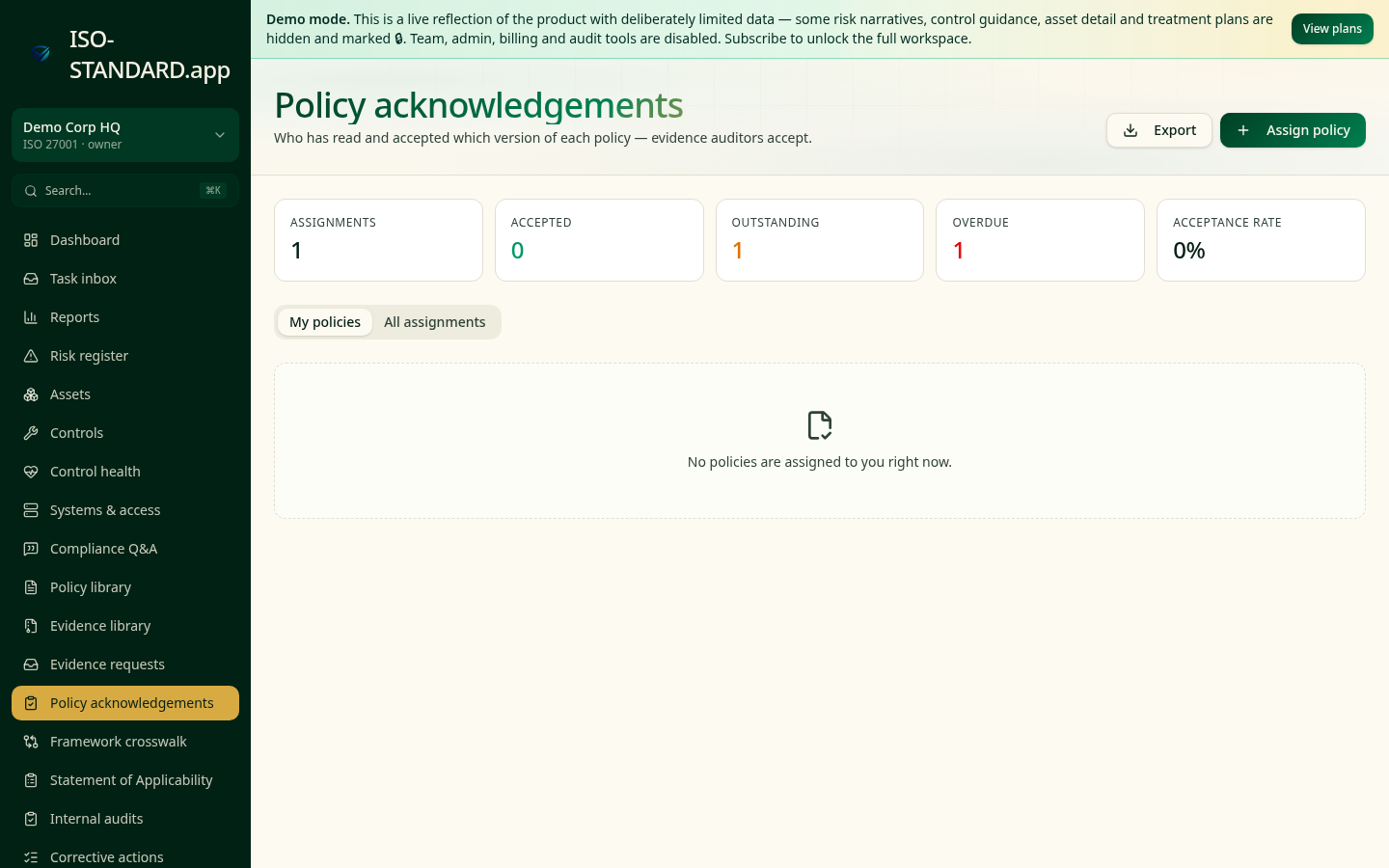
The KPI strip shows how many acknowledgements are outstanding, overdue and accepted, plus overall completion.
- 2
Pick the policy version
Acknowledgements attach to a specific published version from the policy library, so you always know what a person actually agreed to.
- 3
Send to the right people
Select recipients and set a due date. Everyone in scope gets their own tracked record rather than a single shared email.
- 4
Track and nudge
Filter by overdue to see exactly who to chase. Status updates as people view and accept.
- 5
Report completion
Export the register for your audit file, and put the completion percentage into your management review pack.
- "Do all staff acknowledge your information security policy annually?"
- "What is your current acknowledgement completion rate?"
- "How do you handle new starters and policy updates?"
What this workflow produces: An acknowledgement register showing person, policy version, date accepted and completion rate — usually requested alongside the policy itself.
FAQ
Previous acceptances stay on record against the old version, and you can issue a fresh round for the new one.
If a policy applies to them, yes. Auditors check scope, not employment status.
Annually as a minimum, plus on joining and after any material change.
Ready to run this in your workspace?
Start free — the workspace comes pre-loaded with the frameworks, policies and templates you need to follow this guide today.