
Run corrective actions and remediation to closure
Every finding, failed control and rejected piece of evidence becomes a tracked action with a root cause, an owner, a due date and a verification step.
Step-by-step
- 1
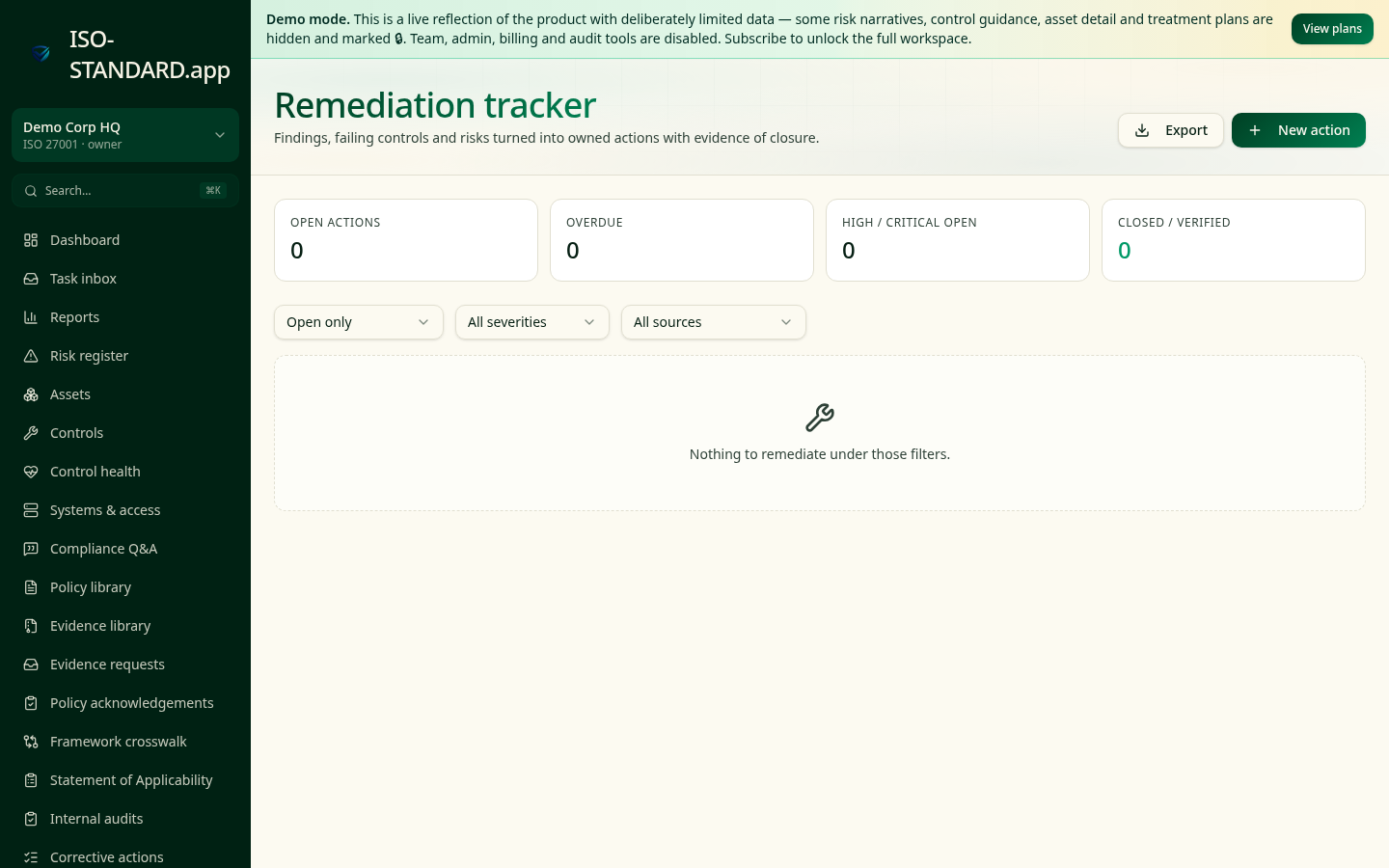
Open Remediation
Actions are grouped by status and severity, with overdue items surfaced first.
- 2
Raise an action
Create the action from its source — an audit finding, a risk, a failed control review or a rejected piece of evidence — so the origin is never lost.
- 3
Record root cause
Write the immediate correction and the underlying root cause separately. 'Restored the backup' is a correction; 'no monitoring on backup job failures' is the root cause.
- 4
Assign, date, escalate
Give it an owner, a severity and a due date. Severity drives the escalation view so critical actions can't quietly age.
- 5
Verify before closing
Move to Completed when the fix is in, then Verified once someone independent has confirmed it holds. Only then does the action close.
- "How do you handle nonconformities and how quickly do you close them?"
- "Do you perform root cause analysis, or just fix the symptom?"
- "Who verifies that a corrective action actually worked?"
What this workflow produces: A remediation log with root cause, correction, verification and closure dates — the single most requested artefact after an incident or a failed control test.
FAQ
They're the same discipline — corrective actions come from your management system (audits, reviews), remediation typically from technical findings. Both live in this tracker.
Set internal SLAs by severity — for example critical in 14 days, high in 30. Buyers routinely ask for your target and your actual performance against it.
Yes, CSV export includes source, severity, owner, dates, root cause and verification.
Ready to run this in your workspace?
Start free — the workspace comes pre-loaded with the frameworks, policies and templates you need to follow this guide today.