
Maintain a system register and run access reviews
List every platform, SaaS tool and supplier in scope, record who owns it and how people sign in, then evidence periodic access reviews with keep, modify or revoke decisions.
Step-by-step
- 1
Open Systems & access
The KPI strip shows total systems, how many are critical or high, how many lack enforced MFA, and how many access reviews are overdue or open.
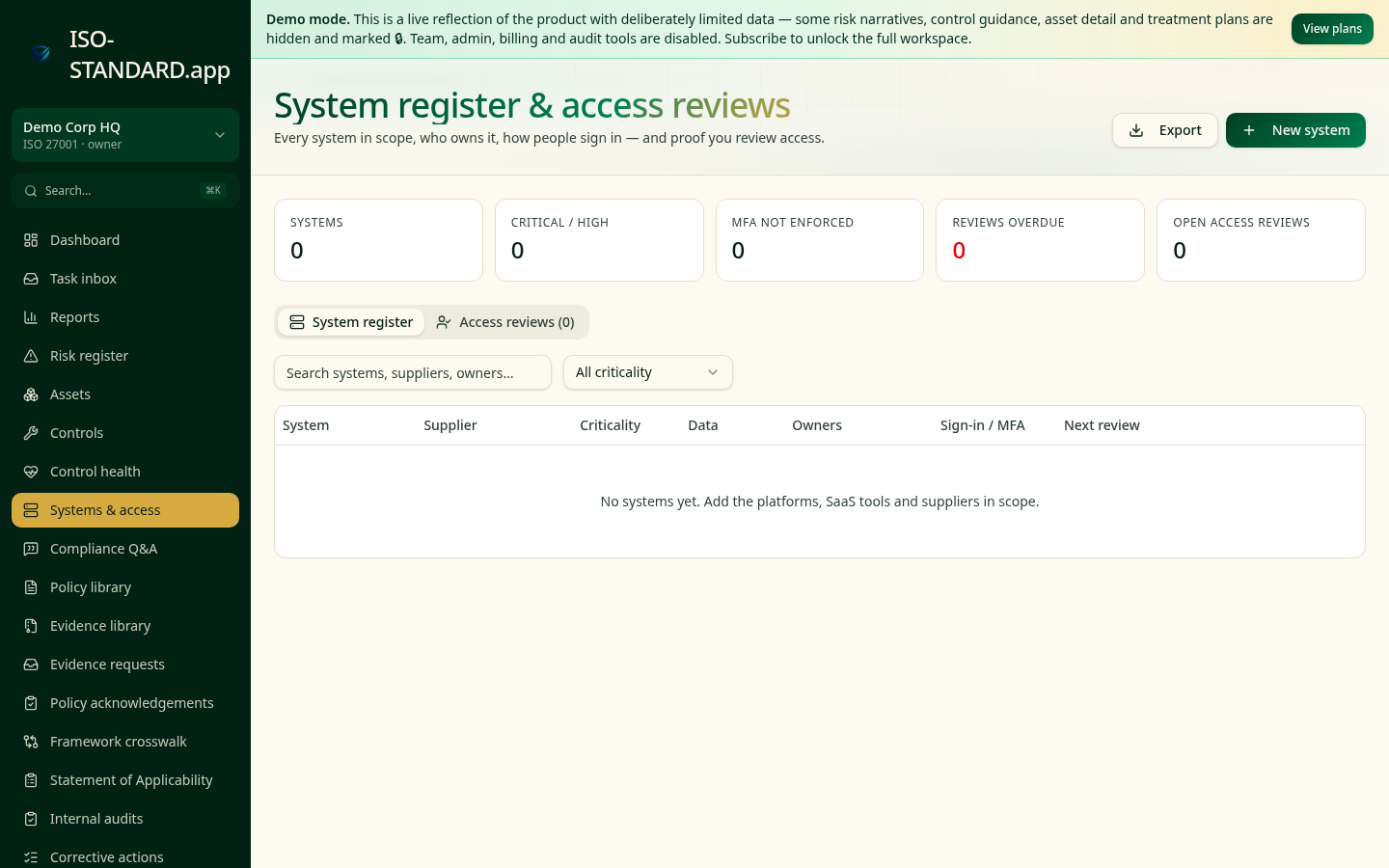
The system register with criticality, ownership and MFA posture. - 2
Add your systems
Click New system and record the platform, supplier, criticality, the data it holds, the business owner and technical owner, and how users authenticate (SSO, MFA, password only).
- 3
Link systems to what they touch
Connect each system to the assets, risks and controls involved so a change of supplier or criticality ripples into your risk picture.
- 4
Start an access review
On the Access reviews tab, open a review for a system, set the period and reviewer, and list the users with access.
- 5
Decide user by user
For each user, record keep, modify or revoke with a short reason. Revocations should raise a remediation action if they can't be actioned immediately.
- 6
Complete and evidence
Complete the review to stamp it with a date and reviewer, then export the CSV for the audit file or a buyer questionnaire.
- "Do you maintain an inventory of systems that process our data?"
- "Is MFA or SSO enforced on all business-critical systems?"
- "How frequently do you review user access, and can you show the last review?"
What this workflow produces: A system register plus a completed access review showing per-user decisions — one of the most common gaps found in supplier assurance and ISO 27001 stage 2 audits.
FAQ
Quarterly for critical systems, at least annually for everything else, and immediately on leaver events.
Include anything that processes business or customer data, or that could affect availability. Trivial tools with no data can be excluded — document why.
Assets are the information and equipment; systems are the platforms that process them. They link to each other rather than duplicate.
Ready to run this in your workspace?
Start free — the workspace comes pre-loaded with the frameworks, policies and templates you need to follow this guide today.